Has your site's traffic suddenly dropped, or are you falling behind your competitors? In today's digital world, users abandon websites that don't load and interact within milliseconds, within seconds. The question "What are Core Web Vitals" emerges at precisely this point as the most critical concept determining the success of modern websites. These performance metrics, which directly influence Google's search ranking criteria, are at the intersection of technical SEO and user experience (UX). In this comprehensive guide prepared by digitalup.tr, we cover all the details that will take your website to the top rankings.
What are Core Web Vitals? (Quick Summary)
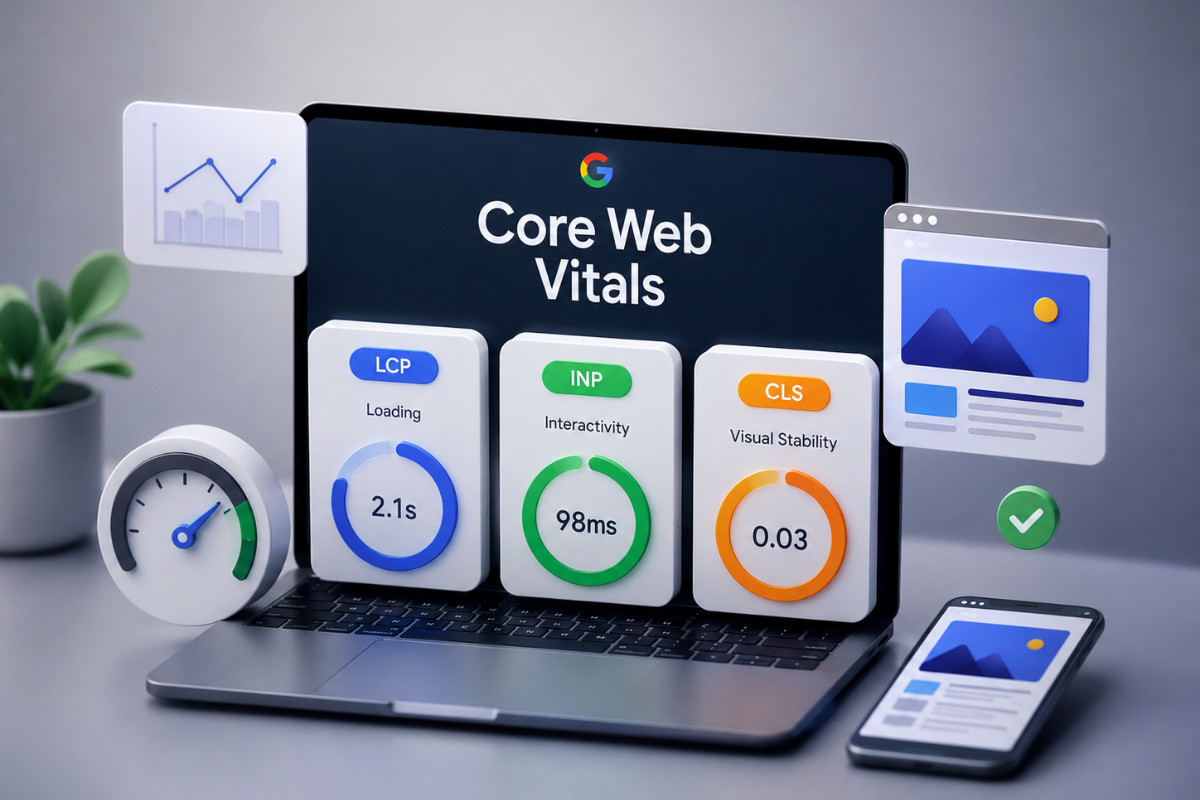
Core Web Vitals is a set of fundamental performance metrics used by Google to measure user experience on a website. It is based on three main metrics: page loading speed (LCP), interaction responsiveness (INP), and visual stability (CLS), and is a direct core web vitals SEO ranking factor.
What are Core Web Vitals and Why are They Important?
Google Core Web Vitals are a set of standardized signals that quantitatively measure the experience users have when interacting with a web page. The search engine giant aims not only for users to find the information they are looking for but also to access this information quickly, smoothly, and securely.
Its Place in Google Rankings and the Impact of Page Experience
With the page experience update, Google placed user-centric signals at the core of its search algorithms. The clearest answer to the question "What is page experience" is the combination of HTTPS security, mobile-friendliness, absence of intrusive interstitials, and Google Web Vitals criteria.
To rank high in search results, content quality alone is not enough; your site's technical infrastructure must also fully meet these signals. A page with performance issues, no matter how high-quality information it offers, loses value in the eyes of the search engine. Therefore, performance optimization is one of the priority areas in technical SEO processes.
Its Power Over E-commerce Conversion Rates (CR) and Bounce Rate
Even small delays in page load speed can lead to significant revenue losses on e-commerce platforms. Studies show that when loading time increases from 1 second to 3 seconds, the bounce rate increases by 32%.
Increased page load time directly reduces customer loyalty.
Slow-responding cart and checkout pages increase abandoned cart rates.
Visual layout shifts cause users to click on the wrong buttons, eroding trust.
When researching how to build a strong e-commerce site, the conformity of the infrastructure to speed and user experience standards should be evaluated first.
Key Core Web Vitals Metrics and Target Values
There are three main Core Web Vitals metrics defined and continuously updated by Google:
Metric | What it Measures | Good (Ideal) | Needs Improvement | Poor |
LCP (Largest Contentful Paint) | Measures the loading speed of the main content. | $\le 2.5$ sec | $2.5$ - $4.0$ sec | $> 4.0$ sec |
INP (Interaction to Next Paint) | Measures the responsiveness to user inputs. | $\le 200$ ms | $200$ - $500$ ms | $> 500$ ms |
CLS (Cumulative Layout Shift) | Measures visual layout shifts. | $\le 0.1$ | $0.1$ - $0.25$ | $> 0.25$ |
Largest Contentful Paint (LCP) – Loading Performance
What is LCP? Largest Contentful Paint is a metric that measures the time it takes for the largest image or text block in a page's viewport to load. It represents how quickly the user sees the main content on the page. An ideal LCP value should be 2.5 seconds or less.
Interaction to Next Paint (INP) – Interaction and Responsiveness
What is INP? Interaction to Next Paint measures how quickly the site provides a visual response to all user interactions (clicks, taps, keyboard inputs) on the page. As of March 2024, the previous metric, what is FID (First Input Delay), has been completely retired and replaced by the much more comprehensive INP. While FID only measured the first interaction, INP evaluates interactions throughout the entire page session. The ideal INP value should remain below 200 milliseconds.
Cumulative Layout Shift (CLS) – Visual Stability
What is CLS? Cumulative Layout Shift is a metric that measures unexpected element shifts during the page loading process. For example, text shifting down due to a late-loading ad appearing above while reading an article, or accidentally clicking a different spot because the page shifted just as you were about to press a button, indicates a poor CLS value. An ideal CLS score is below 0.1.
Field Data vs. Lab Data
When analyzing your website's performance, the metrics you encounter are based on two fundamental data sources: Field Data and Lab Data. Understanding the difference between these two types of data is crucial for accurate diagnosis.
Feature | Field Data (CrUX) | Lab Data (Lighthouse) |
Data Source | Real user experiences (28-day average) | Controlled simulation environment |
Ranking Impact | Direct Google ranking factor | Not a direct ranking factor |
Measured Metrics | LCP, INP, CLS | LCP, CLS, TBT, FCP, Speed Index |
Purpose of Use | Real-world status detection and SEO monitoring | Quick error detection and development phase |
What is CrUX (Chrome User Experience Report)?
The Chrome User Experience Report (CrUX) is an official dataset that collects anonymous performance data from real-world conditions experienced by Google Chrome users. Google looks at CrUX data, not simulation results, when determining a site's ranking.
Differences Between Lighthouse and RUM (Real User Monitoring)
Lighthouse tools provide instant tests (Lab Data) by simulating a specific device and network speed. However, the high-speed internet environment on a developer's computer does not fully reflect the experience of a user on a mobile network. RUM (Real User Monitoring) systems and CrUX, on the other hand, report delays experienced by real visitors with different devices, locations, and connection speeds.
How to Measure and Analyze Core Web Vitals?
The first step to solving performance issues is accurate measurement. You can use Google's free tools to conduct a Core Web Vitals test.
Google Search Console "Core Web Vitals" Report
The "Core Web Vitals" section in your Google Search Console panel presents the performance of all URLs on your site based on field data in aggregate. Through the reports separated for mobile and desktop, you can identify pages providing a poor experience as a group. When performing website performance analysis, the most appropriate method is to start by addressing the errors in this panel.
Using PageSpeed Insights and Chrome DevTools
To examine the performance of a single page, you can use the PageSpeed Insights tool. This tool displays real user data (CrUX) at the top and then lists laboratory analyses (Lighthouse) at the bottom, including suggestions to increase site speed SEO impact. For more in-depth technical examinations, you can open the Chrome DevTools panel in your Chrome browser by pressing F12 and examine JavaScript execution times and blocking processes in detail under the Performance tab.
Step-by-Step Core Web Vitals Optimization (Technical Solutions)
After identifying problems, the following Core Web Vitals optimization and website acceleration steps should be applied:
LCP Improvement: Image and Server Optimizations
To improve the LCP score, the loading time of the main image needs to be minimized.
Compress Images and Change Format: Use next-generation formats like WebP or AVIF instead of JPEG/PNG.
Preload Critical Images: Add
fetchpriority="high"and thepreloadattribute for the largest image on the page to make the browser prioritize this resource:
HTML
<link rel="preload" fetchpriority="high" as="image" href="hero-gorsel.webp" type="image/webp">
INP Improvement: Reducing JavaScript Main Thread Load
For a smooth interaction, the browser's main thread should not be blocked by long JavaScript tasks.
Split Long Tasks: Modularize JavaScript code snippets that take longer than 50 ms.
Defer Unnecessary Code: Add
asyncordeferattributes to non-critical JavaScript files.Font Optimization: To prevent the screen from locking due to late-loading fonts, add
font-display: swap;to your CSS code:
CSS
@font-face {
  font-family: 'Open Sans';
  src: url('/fonts/OpenSans.woff2') format('woff2');
  font-display: swap;
}
CLS Improvement: Methods to Prevent Layout Shifts
To prevent elements from suddenly shifting, the layout space must be communicated to the browser in advance.
Define Dimensions for Images: Always include width and height attributes for all
<img>and<iframe>tags, or allocate space with CSS:
CSS
img {
  width: 100%;
  height: auto;
  aspect-ratio: 16 / 9;
}
Common Mistakes About Core Web Vitals
To avoid deviating from the target during performance processes, care should be taken against common myths.
"Score Chasing" Risk: Does Getting a PageSpeed Score of 100 Mean Everything?
Focusing on getting a score of 100 on the PageSpeed Insights test and completely disabling the site's core functionalities and scripts ("score chasing") is one of the biggest mistakes. What matters to Google is not getting a score of 100, but rather users having a smooth experience in the real world (Field Data) within the green threshold values.
Take Your Website's Performance to the Top
Strengthening your website's technical infrastructure and providing your users with a seamless experience at milliseconds is the most effective way to get ahead of your competitors in search engines. Core Web Vitals optimization is not just an effort to improve scores; it is a long-term investment that directly increases customer satisfaction, conversion rates, and brand credibility.
To boost the power of your digital assets in search engines, eliminate technical errors, and move your performance into the green zone, meet the professional solutions of the digitalup.tr team. Contact us now to unleash your site's potential.
Sources

Recep Bayoğlu
SEO Team Leader
If you want to talk more about this topic or need a tailored solution for your brand, you can reach me directly.
Our Services
Related Services
Google Ads Management
Top pickUse your ad budget most efficiently with professional Google Ads management.
Meta (Facebook & Instagram)
Reach your target audience with Facebook and Instagram ads.
SEO Consulting
Rank higher in search engines and grow organic traffic.
GEO Consulting
Get cited as a source inside ChatGPT, Gemini and Perplexity answers.
Social Media Management
Strengthen your online presence with professional social media management.
E-Commerce Solutions
T-Soft, İkas, Ticimax and İdeasoft infrastructures.
TikTok Ads
Reach young audiences with TikTok ads.
Video Production
Professional 4K video production services.
Web Design
Modern user-friendly web design.
Yandex Ads Management
Reach Russian and CIS markets with Yandex ads.
Telegram Ads Management
Reach audiences directly with Telegram sponsored messages.
ChatGPT Ads Consulting
Position your brand in the in-chat advertising ecosystem.
Gemini Ads Consulting
Gain an early advantage in Google AI Mode ads.
T-Soft E-Commerce Site
T-Soft infrastructure for enterprise scale.
İdeasoft E-Commerce Site
Flexible and powerful e-commerce infrastructure.
İkas E-Commerce Site
Fast setup, modern e-commerce infrastructure.
Ticimax E-Commerce Site
Scalable e-commerce solution.
More from this category

digitalup What Is Zero-Click Search?

digitalup What is Programmatic SEO (pSEO)? A Guide to Scalable Traffic with Thousands of Pages

digitalup What is SEO? The Evolution of Search Engine Optimization in 2027 and Beyond