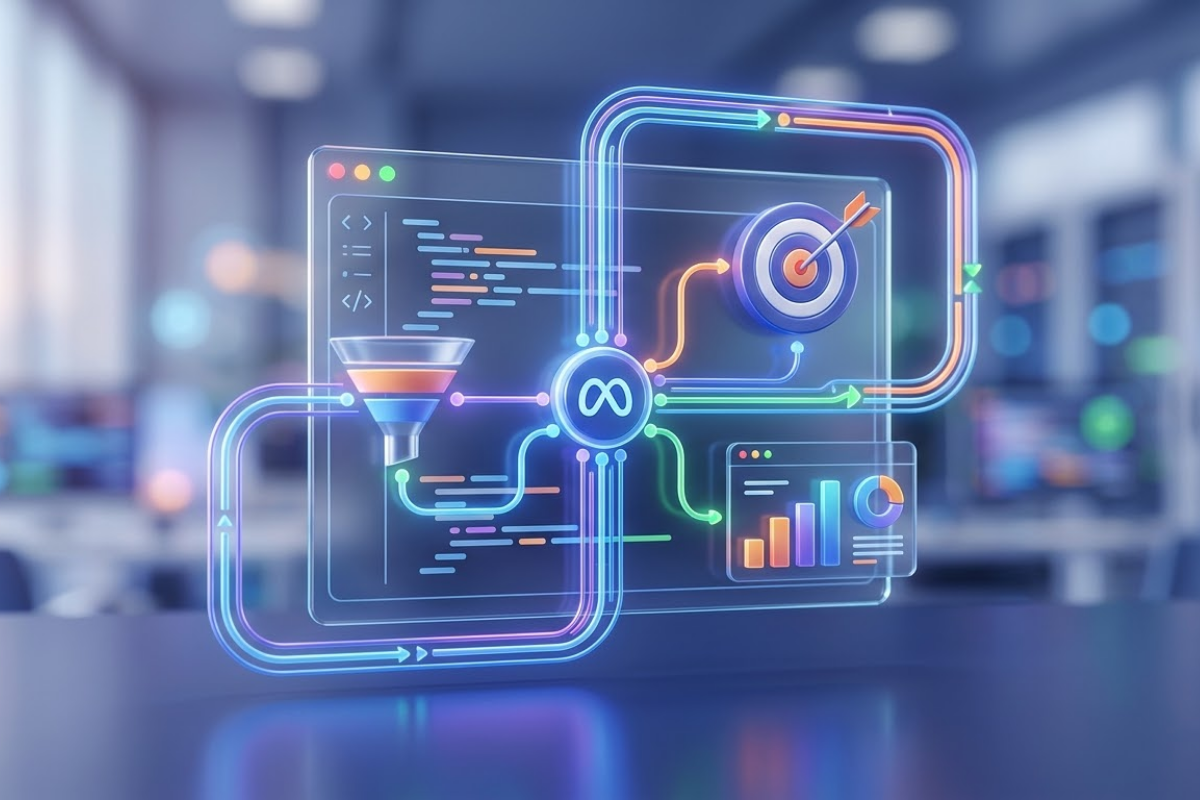
Is your advertising budget going to waste? You've opened your Meta Ads account, loaded the budget, prepared the visuals... But sales aren't coming in as expected. The problem is likely not with your displayed ads, but with the data mechanics working behind the scenes. This is where Meta Pixel Setup and Proper Use comes in, an indispensable part of a successful advertising strategy. In this guide, we will cover all the tips and tricks to turn a simple code snippet – the pixel – into a data powerhouse that supercharges your ads, using up-to-date 2026 techniques.
What is Meta Pixel (Formerly Facebook Pixel) and Why is it Indispensable?
As a business owner, wouldn't you want to know what your customers do after they leave your store? Meta Pixel does just that for your digital store, your website. A small JavaScript code snippet that you place on your website, the pixel records visitor behavior and sends this data back to your ad account. This way, you can see not just clicks on an ad, but also what the clicked person did on the site (browsed a product, added to cart, purchased).
How the Pixel Works: The Bridge Between Your Website and Your Ad Account
The principle of how the pixel works is actually quite simple. When a user comes to your site, the pixel is triggered and collects some information about this visitor (such as IP address, browser information, which page they visited). Then, when this person browses Instagram or Facebook, Meta's algorithm uses this information to show them relevant ads. But what if the user came to the site, added a product to their cart, but then abandoned it? The pixel detects this and adds that person to a "Cart abandoners" list. You can then retarget them, perhaps with a small discount coupon.
5 Critical Advantages of Using Meta Pixel in 2024
Proper Meta Pixel Setup and Proper Use provides you with these advantages:
-
Conversion Tracking: You see which ads genuinely drive sales, allowing you to allocate your budget to the most profitable campaigns.
-
Retargeting: You can show ads again to people who visited your website but didn't make a purchase. This means working with warm audiences.
-
Optimization: Meta's AI learns from pixel data which audiences are likely to convert and focuses on showing ads to those people. AI engines like Andromeda need to be fed with clean and accurate data.
-
Lookalike Audiences: You can find new people who resemble your best customers. The pixel collects the data needed to create these similarities.
-
Detailed Reporting: You gain access to a wealth of data, from which pages were visited to how much time users spent on your site.
Step-by-Step Meta Pixel Setup: Code or Integration?
Before proceeding with the setup, choosing the right method is important. There are three main methods depending on your website's infrastructure and your technical knowledge.
Method 1: Professional Setup with Tag Manager (Google Tag Manager)
This method is the cleanest and most manageable, especially if you use multiple tracking codes (Google Analytics, other pixels) on your website. GTM allows you to manage all your tags from a single central point.
-
Find the Pixel Code: Create your pixel in Meta Events Manager and view the codes.
-
Open a New Tag in GTM: Add a "New Tag" in your Google Tag Manager account. Use "Custom HTML" as the tag type or directly the "Facebook Pixel" option (if available).
-
Paste the Code: Paste the pixel code (the part inside the script) into the tag.
-
Set a Trigger: Select "All Pages" as the trigger. This ensures the pixel loads on every page of your site.
-
Publish: After saving and publishing your changes, test that the pixel is working using GTM's debug mode.
Method 2: Direct Insertion into Your Website's Code (Manual Setup)
If you're not using GTM and have access to your website's code, manual setup is also quite simple.
-
Place the Base Code: The pixel's base code is a code that needs to be loaded on all pages of your website. Add this code to the
<head>section of your site, as high up as possible. -
Add Event Codes: For standard events (like Purchase, Add to Cart), you need to add specific code snippets to the relevant pages (e.g., thank you page).
Method 3: Integration Through Your E-commerce Infrastructure (T-Soft, Ikas, etc.)
Platforms commonly used in Turkey such as T-Soft, Ikas, Shopify, or WooCommerce make Meta Pixel integration quite easy. Usually, in the "Settings" or "Apps" section of your admin panel, you just need to enter your pixel ID. These platforms automatically identify events like purchase and add to cart and report them to the pixel. This is the most practical method as it minimizes manual error risk. However, you still need to test that it is working correctly.
Golden Rules of Proper Use: Correctly Defining Events
Setting up the pixel is only half the battle. The real success lies in how you use it.
Standard Events (Purchase, Add to Cart, Contact) and Custom Conversions
Meta offers 17 predefined standard events. These include actions like "Purchase," "AddToCart," "Lead," and "CompleteRegistration." Use these standard events whenever possible because Meta's algorithm is familiar with them and optimizes better. If you have a specific situation, you can create "Custom Conversions." For example, you can define a custom conversion rule to track purchases only for products in a specific category.
The Power of Parameters: Sending Product ID, Price, and Currency
Simply saying "a purchase occurred" is not enough. Details such as which product was purchased, at what price, and in what currency are vital for the algorithm. This information is called "parameters" and is added to the pixel. A pixel equipped with correct parameters doesn't just tell you "I spent X TL, Y sales occurred"; it tells you "people who bought blue t-shirts also showed interest in beige shorts." This is essential for dynamic product ads.
Common Meta Pixel Setup Errors and Solutions
A common mistake we see with our clients is assuming the pixel is set up and then never checking it again. This leads to advertising budgets silently eroding.
Error 1: Pixel Not Working on All Pages (Verification Tools)
The pixel might only be working on the homepage. The easiest way to check this is to use the Meta Pixel Helper Chrome extension. With this extension, browse different pages of your site (product page, cart, thank you page). The extension shows if the pixel is active on that page and which events are firing. A green checkmark means everything is working; yellow warnings indicate a potential issue.
Error 2: Single Purchase Event Triggering Multiple Times
This is a critical error. When a user makes a purchase, the pixel should only trigger the "Purchase" event ONCE. However, due to incorrect setups, the same purchase might be reported to the pixel two or three times. In this scenario, you'd tell Meta "I made 3 sales," when in reality there was only 1 sale. This makes your ads appear much better performing than they are and leads to incorrect decisions. To solve this, ensure your purchase code only fires once and only on the thank you page.
Error 3: Being Unprepared for iOS 14.5+ and Data Privacy Issues
With the iOS 14.5 update, the rates at which Apple users decline app tracking soared. Studies show that tracking rates for iOS users in the US dropped by 55%. This means the pixel might miss more than half of the purchases made by these users. The only solution to prepare for this problem is Conversions API (CAPI) integration.
Advanced: Preventing Data Loss with Conversions API (CAPI)
CAPI is an interface that allows you to send data from your server to Meta, in addition to the browser-based pixel. So why is it so important?
-
Overcomes Privacy Barriers: Even if the user blocks tracking in their browser, data sent from your server reaches Meta.
-
More Reliable Data: Unaffected by ad blockers and network issues.
-
Better Matching: By sending information like email and phone from the server, you ensure events are more accurately matched with Meta users (Event Match Quality - EMQ).
CAPI integration requires a bit more technical knowledge. At this point, working with an expert digital marketing agency can optimize your data flow, ensuring you get full value from your advertising spend. A professional agency can seamlessly implement both pixel and CAPI setup and help you interpret your data correctly.
Interpreting Meta Pixel Data and Developing Your Ad Strategy
The data has started flowing, so what now?
Going Beyond Standard Reports: The Analytics Tab
In Meta's Events Manager, you don't just see how many conversions there are. In the "Analytics" tab, you can visualize users' journey on your website. For example, you can see what percentage of those who added to cart proceeded to purchase (funnel analysis) and identify which page has a high abandonment rate.
Retargeting with Custom Audiences Created from Pixel Data
The audiences you can create with the pixel are not limited to just "visitors in the last 30 days." You can create more creative and effective segments:
-
Visitors to a Specific Product Page: Show them ads for that product.
-
Cart Abandoners: Try to win them back with a small discount coupon.
-
Those Who Spent a Certain Amount of Time on the Site: These people show more interest in your brand, so you can approach them with a different message.
-
Buyers: Offer them complementary products (cross-sell) or more luxurious alternatives (upsell). But remember, excluding your existing customers from new customer campaigns prevents budget waste.
Time to Take Action: Let Your Data Speak
Remember, the greatest power in digital advertising is having accurate data. Meta Pixel Setup and Proper Use is the first and most important step to harnessing this power. By implementing the methods we've outlined step-by-step in this guide, you too can efficiently use every penny of your ad budget, better understand your customers, and multiply your sales. After setting up your own, don't forget to share your experiences with me in the comments!
Frequently asked questions
Is Meta Pixel installation mandatory?+
Technically, it's not mandatory, but commercially, it's ill-advised. Without data, you won't know how effective your ads are, and you'll spend your budget blindly. It's essential for conversion tracking and optimizing your ads.
What is the difference between Pixel and CAPI?+
Pixel collects and sends data via the user's browser. CAPI, on the other hand, sends this data directly from your web server to Meta. CAPI is a complementary solution to the pixel, especially to prevent data loss due to iOS users and ad blockers.
How do I check if Meta Pixel is up to date?+
The most practical way to do this is to use the Meta Pixel Helper extension. When you visit your site, the extension shows whether the pixel is working and which version it is. Additionally, the "Test Events" section in Events Manager allows you to test real-time data flow.
How many pixels can be installed on a website?+
Technically, you can install multiple pixels. However, it is generally best practice to use a single pixel to prevent data confusion and simplify management. Separate pixels can be used for different purposes (e.g., different brands).
How long are pixel data stored?+
Meta generally stores pixel data for 180 days (approximately 6 months). This means your retargeting audiences can remain active during this period. While it is possible to create similar audiences with older data, the most up-to-date data is always more valuable.
Sources

Ayşenur Yılmaz
Google & Meta Ads Team Leader
If you want to talk more about this topic or need a tailored solution for your brand, you can reach me directly.
Our Services
Related Services
Google Ads Management
Top pickUse your ad budget most efficiently with professional Google Ads management.
Meta (Facebook & Instagram)
Reach your target audience with Facebook and Instagram ads.
SEO Consulting
Rank higher in search engines and grow organic traffic.
GEO Consulting
Get cited as a source inside ChatGPT, Gemini and Perplexity answers.
Social Media Management
Strengthen your online presence with professional social media management.
E-Commerce Solutions
T-Soft, İkas, Ticimax and İdeasoft infrastructures.
TikTok Ads
Reach young audiences with TikTok ads.
Video Production
Professional 4K video production services.
Web Design
Modern user-friendly web design.
Yandex Ads Management
Reach Russian and CIS markets with Yandex ads.
Telegram Ads Management
Reach audiences directly with Telegram sponsored messages.
ChatGPT Ads Consulting
Position your brand in the in-chat advertising ecosystem.
Gemini Ads Consulting
Gain an early advantage in Google AI Mode ads.
T-Soft E-Commerce Site
T-Soft infrastructure for enterprise scale.
İdeasoft E-Commerce Site
Flexible and powerful e-commerce infrastructure.
İkas E-Commerce Site
Fast setup, modern e-commerce infrastructure.
Ticimax E-Commerce Site
Scalable e-commerce solution.